Academic Advising
Let’s Get Social:
Let’s create your path to success
While all of the faculty and staff at the College of Arts, Sciences & Education are committed to student success, our academic and program advisors are especially so. You’ll receive individualized attention and support as you work toward your degree at UM-Flint, helping you define a clear educational path.
On this page:
Meet your academic advisors
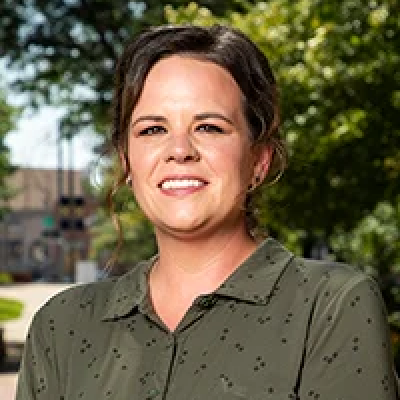
Nicole is the primary advisor for the following programs:
- Africana Studies
- English
- Psychology (in-person/hybrid students)
- Philosophy

Hannah is the primary advisor for the following programs:
- Anthropology
- Criminal Justice
- History
- Integrated Social Sciences
- Political Science
- Sociology

Linda is the primary advisor for the following programs:
- Early Childhood Education
- Elementary Education
- Special Education

Marisa is the primary advisor for the following programs:
- Arts Administration
- Interdisciplinary Studies (AODC)
- Liberal Studies in American Culture
- Public Administration

Kimberly is the primary advisor for the following programs:
- Art and Art History
- Applied Science
- Communication Studies
- Foreign Languages
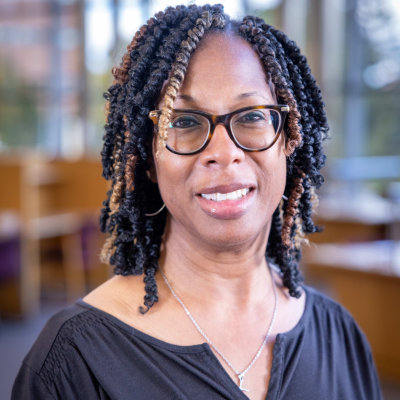
Therasa is the primary advisor for the following programs:
- Dance
- Economics
- Music
- Psychology (100% online + AODC)
- Theatre

James is the primary advisor for the following programs:
- Secondary Teacher Certificate Programs
- Master of Arts with Certification
- Educational Leadership Pathway: MA, EdS, EdD

Megan is the primary advisor for the following programs:
- Applied Science
Registering for Classes
It is important to meet with your advisor every semester to ensure that you know which classes to register for and to remain on track for a timely graduation. Schedule an appointment with an advisor.
Students must register for classes in the Student Information System. Please follow these step-by-step instructions to register for classes.
Up-to-date registration days and times are available on the Registrar’s page.
If you submit a change-of-curriculum form after the 10th day of the semester, the major change will take effect at the start of the next semester.
Searching for General Education Courses
To determine which classes fulfill general education requirements for a given semester, follow these instructions
- Log into SIS, click on Student Services, Registration, and then Register for classes
- Choose the appropriate term and then click Continue
- Click in the attribute filter and select the appropriate attribute (e.g., Humanities or Fine Arts)
- Click Search
This will provide you with a filtered list of classes offered for that semester that fulfill general education requirements.
Adding or Changing a Major, Minor, or Concentration
Here are the steps to follow if you want to add or change a major, minor, and/or concentration:
- Log in to the Student Information System.
- Navigate to Student Services > Student Records > Change of Curriculum.
- When asked if your current major information is correct, select No.
- Enter your new major, minor and/or concentration, as applicable.
- Select Submit.
This will send a notification to the Office of the Registrar letting them know you would like to make a change. It can take up to five business days to process.
If you have questions about updating your catalog or petitioning the Academic Standards Committee, contact your Academic Advisor directly.