Project Support
The UM-Flint Marketing and Communications team helps faculty, staff, and campus partners create consistent, on-brand, accessible materials. This page offers the resources, guidelines, and branding assets to support your communications.

Find What You Need
This page brings together the forms, templates, and guidelines that support faculty, staff, and campus partners in producing UM-Flint communications. Use the sections below to request projects, download branded assets, and follow university style and brand standards.
Whether you’re launching a new project, refreshing your department’s materials, or making sure your work aligns with university branding, this is your starting point. Each section below links directly to the tools, downloads, and guidelines you’ll need so you can jump straight to what’s relevant to your task and get back to the work that matters.
On this page:
Request a Project or Update
These are the action items, the forms people come to submit.

Design Request
We are here to help you with your design project needs. To initiate a project, please complete the design request form.
Pricing for official university stationery

Content/Social Request Form
We collaborate with units across campus to share powerful examples of our resilience, support, innovation, and more with the campus community and the broader world. After you complete this form, a MAC representative will contact you to discuss potential ways to promote your story.
Logo Approval
We are responsible for approving ALL print and digital materials that feature the University name and the official UM-Flint logo. Please complete the logo approval form.

Website Updates
Our team supports all on-campus departments by providing website content updates as needed. Please use the form to submit your website update request.

Photo Consent Form
Please use this consent form when filming, videotaping, audio recording, or photographing individuals for marketing purposes, documentary-style production, interviews, or performance capture.
Brand Assets and Templates
Things people download and use.
Brand Toolkit
You’ll find design resources in this toolkit regarding logos, typography, colors and photography.

Digital Asset Collaborative
The DAC centralizes the management of university-approved photos and logos.
PowerPoint & Google Slides Templates
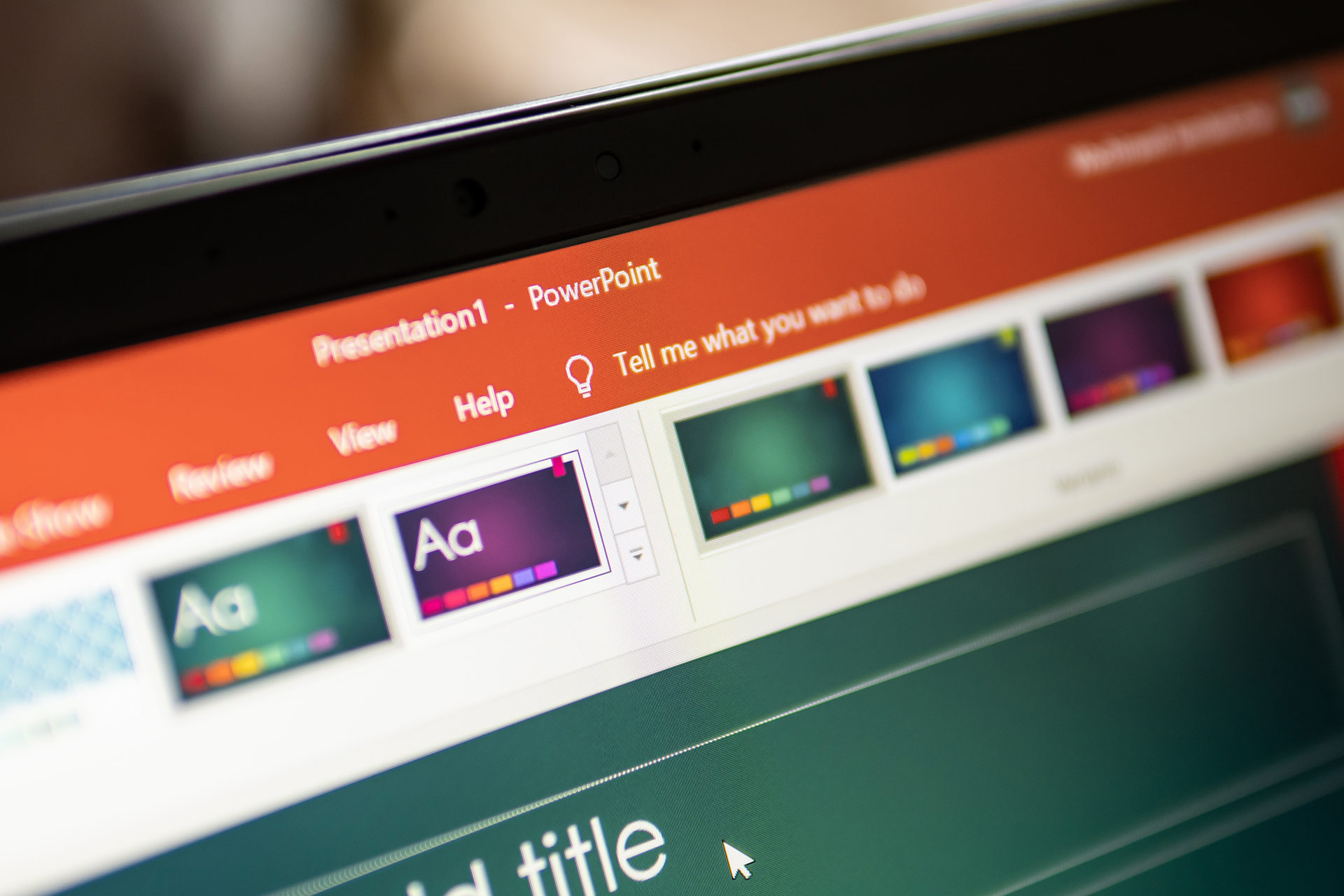
A variety of university branded templates are available for download.
Email Signature
The Google Doc provides an email signature template for you to customize your contact information and includes instructions for creating an email signature in Gmail.
Zoom Backgrounds
Enhance your virtual meetings with official UM-Flint-branded Zoom backgrounds. Download your preferred image below and follow the instructions to add it to Zoom.
Guides and Standards
Reference material people read to follow the rules.
Shorten URL and QR Codes
Shorten URL links, known as Go Links, are ideal for print, links outside the UM-Flint website, and other promotional material precisely because they are short, memorable, and redirectable if the destination URL changes.
Always use it when a link is shared outside the UM-Flint website.
Social Media Guide
Review the University of Michigan’s official tri-campus guidelines for social media, including best practices, success stories, and more.


University Style Guide
The University Style Guide is a local supplement to The Associated Press Stylebook and Webster’s Collegiate Dictionary. Entries frequently address style questions in writing about the university and local style concerns such as building and place names and proper references to various university entities. Email questions or comments to mac-flint@umich.edu.